Trace anything with your camera.
See your reference over real paper. Line it up, fade it back, and draw at your own pace.
Get TraceOverlay
Bring a drawing guide to your phone or tablet.
 iPhone & iPad
 Android
Prefer your browser?
No download needed. Sign in to start a web trial.
iPhone & iPad: try every tool free with the included study.
How it works
Your phone, held over paper, becomes a lightbox
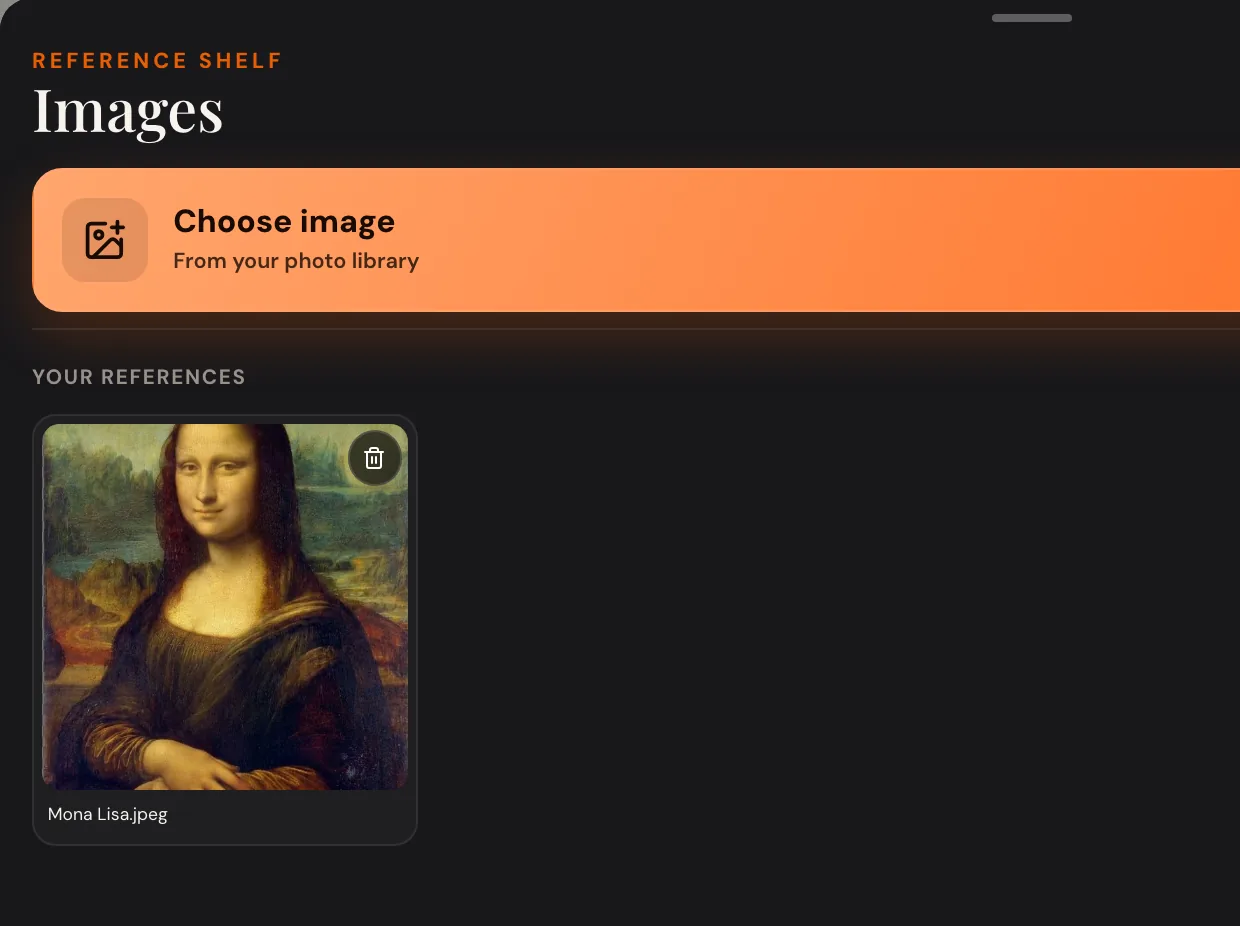
Choose a reference
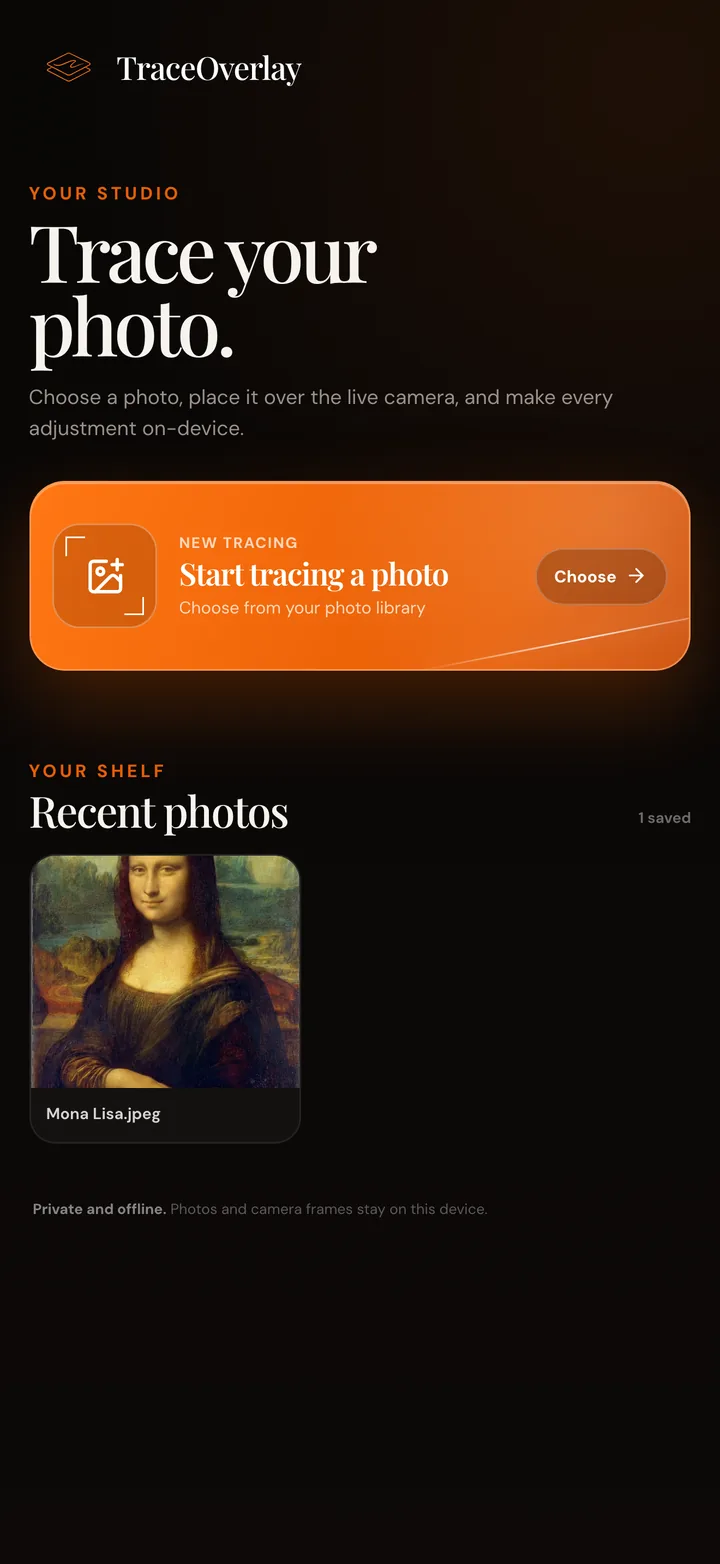
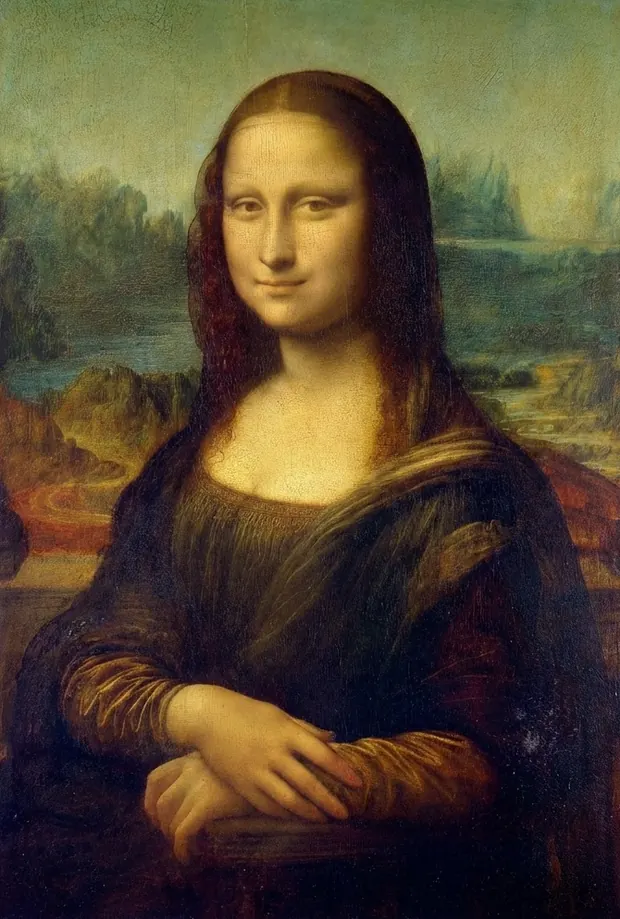
Start with the included Mona Lisa study, or import a photo to your private reference shelf.
Personal photos with optional Unlock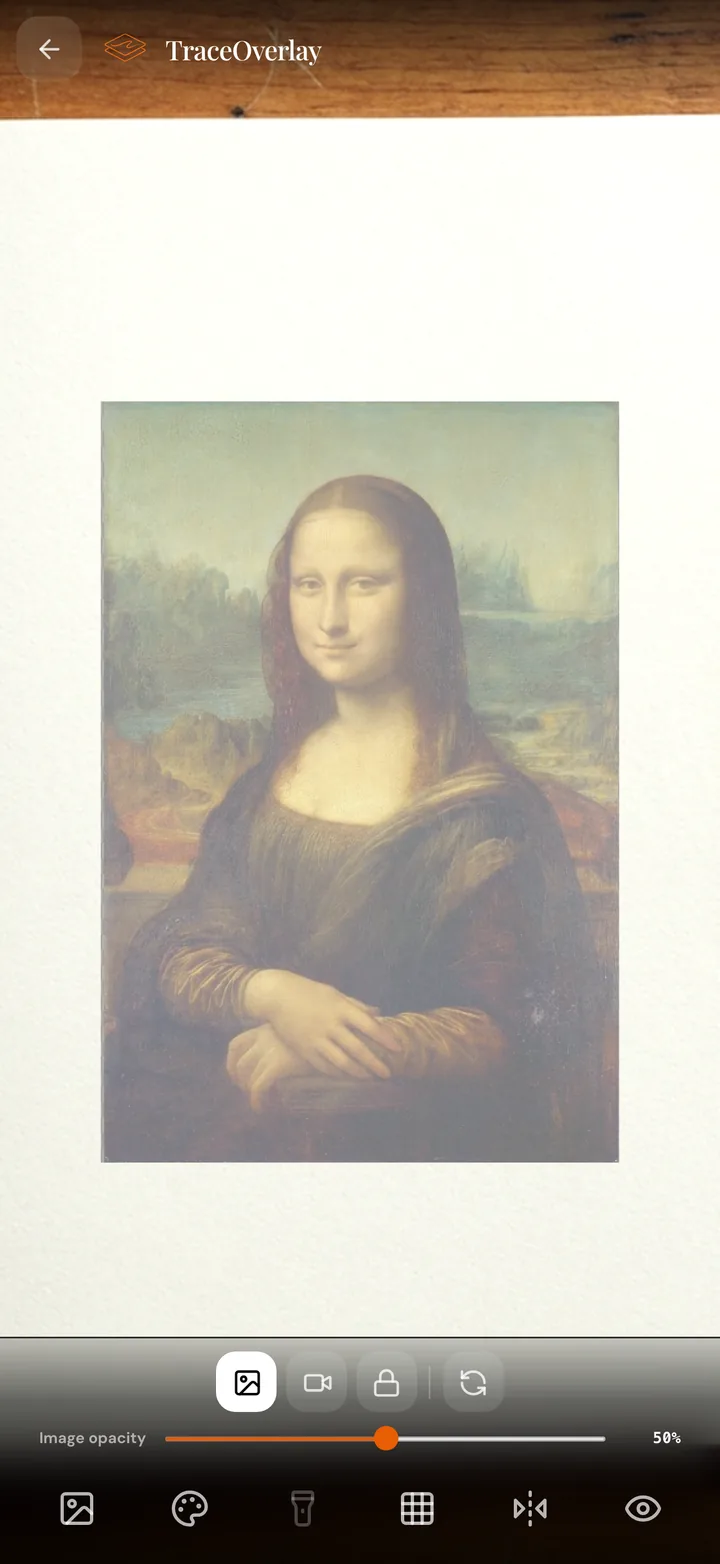
Line it up
Hold your phone above the paper. Drag, pinch and rotate the guide until it lines up.
Drag · Pinch · Twist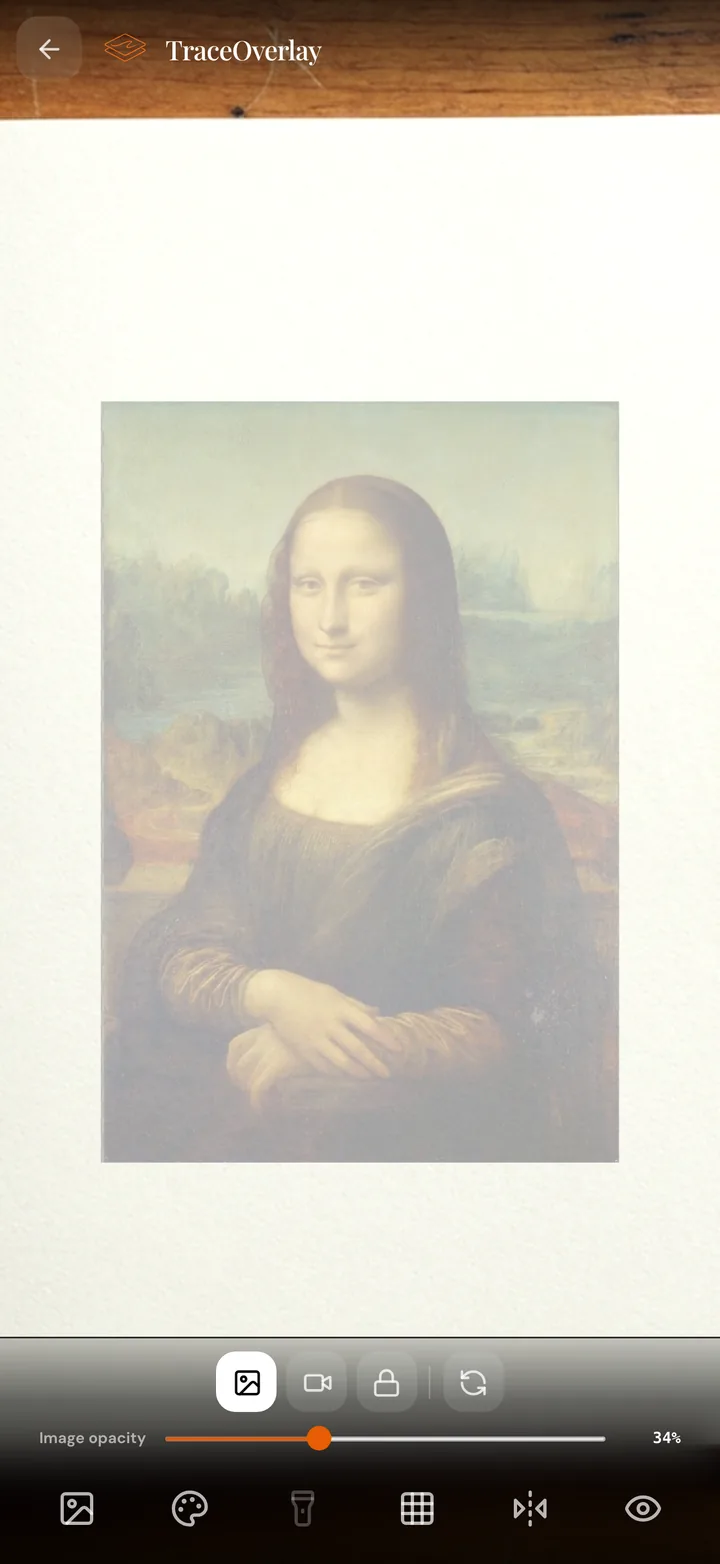
Fade it to a whisper
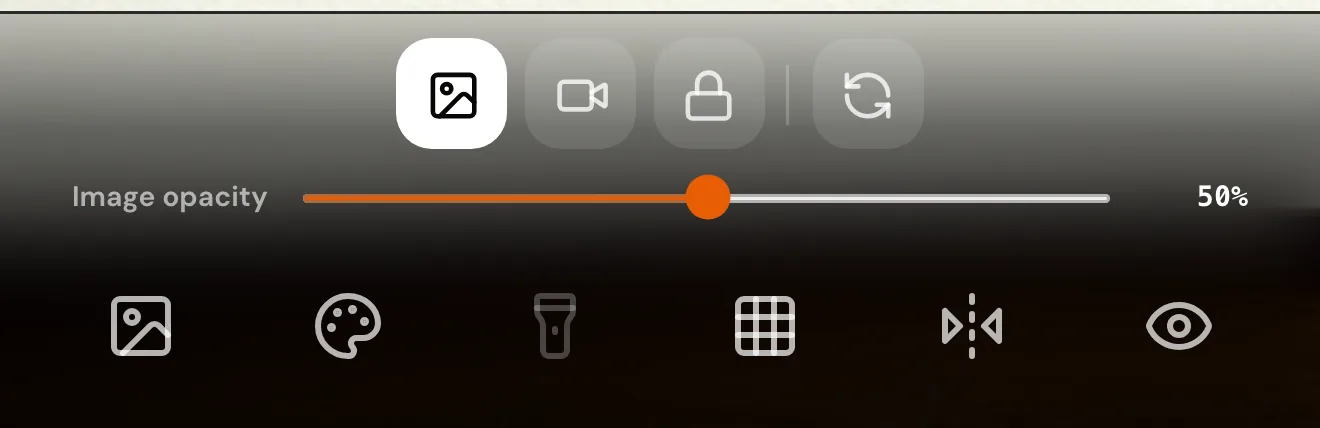
Lower the opacity until you can see your paper and pencil through the reference.
Image opacity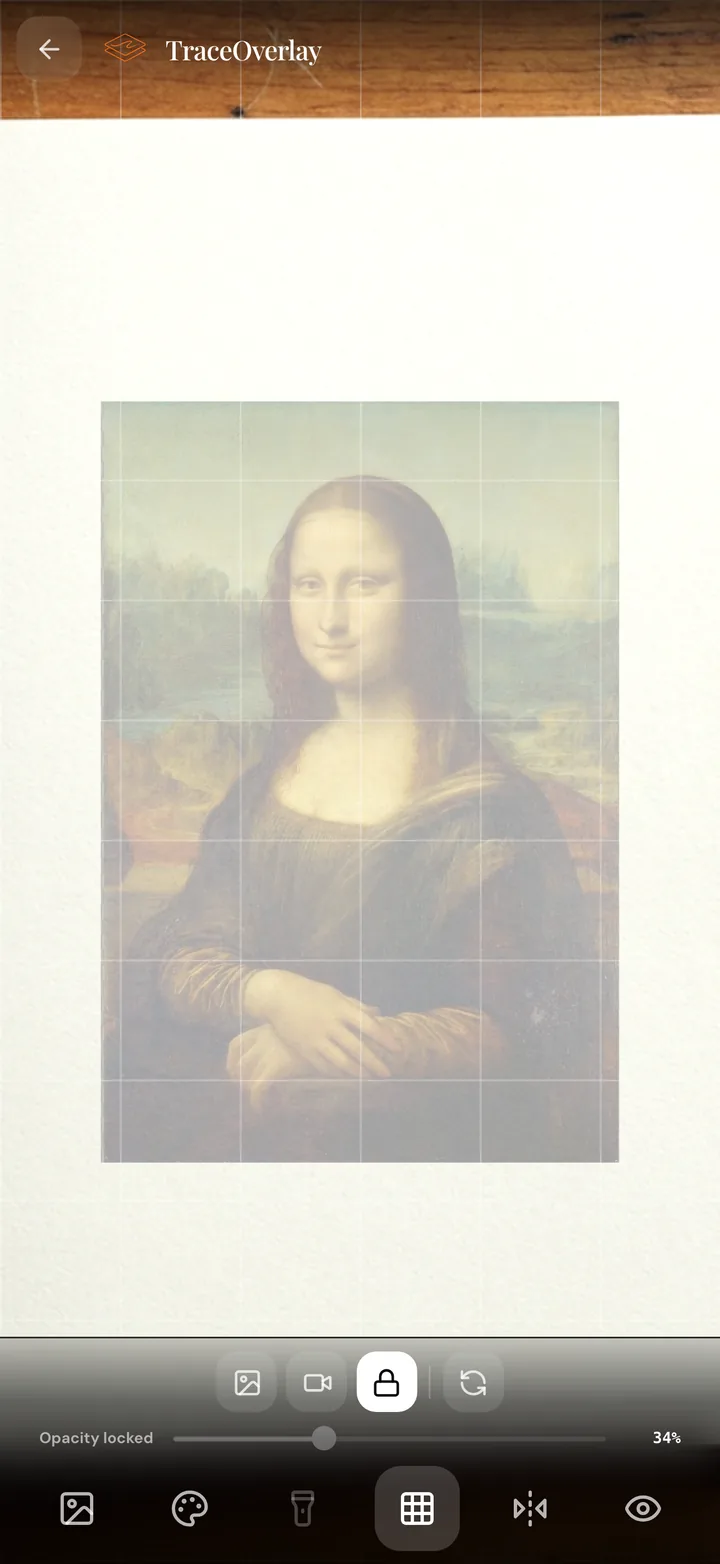
Grid it. Lock it.
Check proportions with the grid. Lock the guide so accidental touches can't move it.
Grid + Lock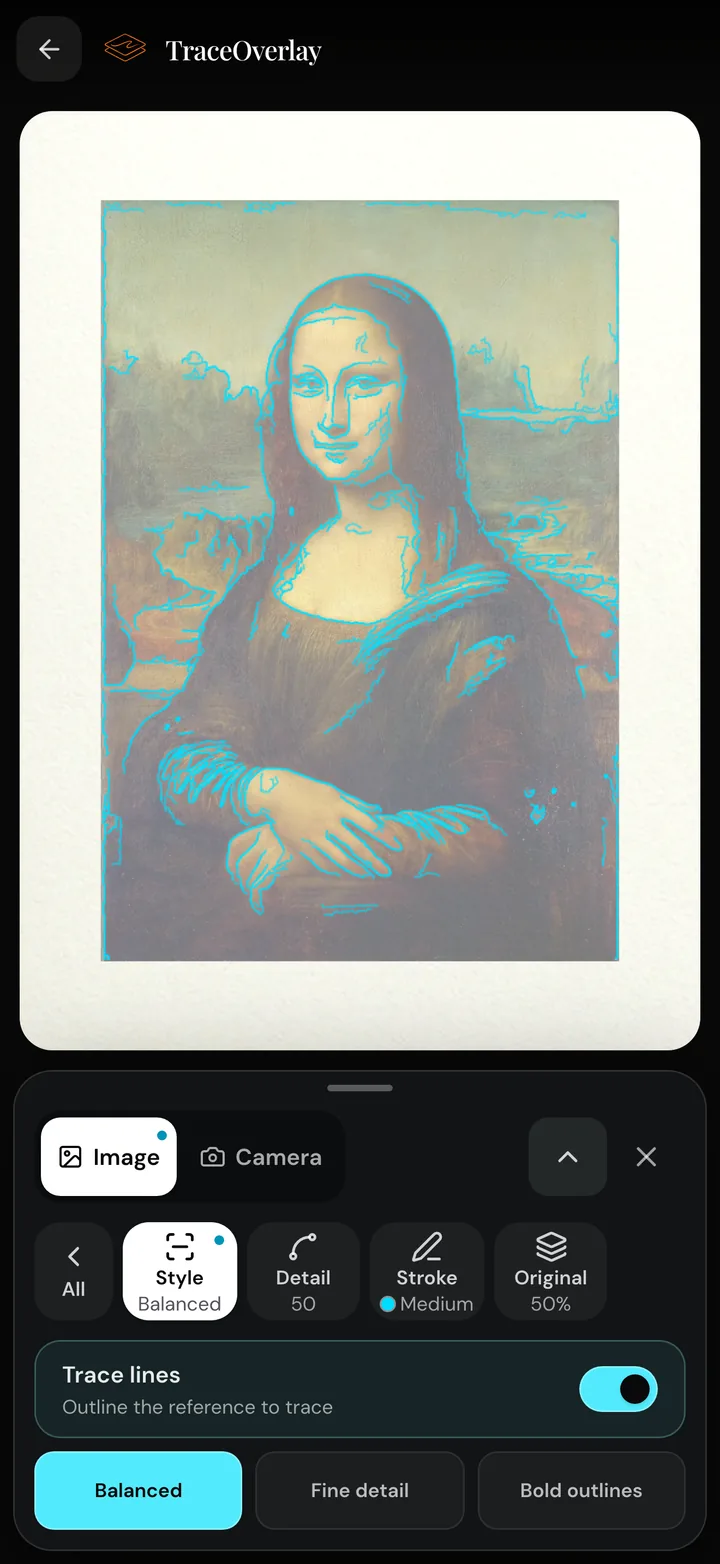
Add lines if you like
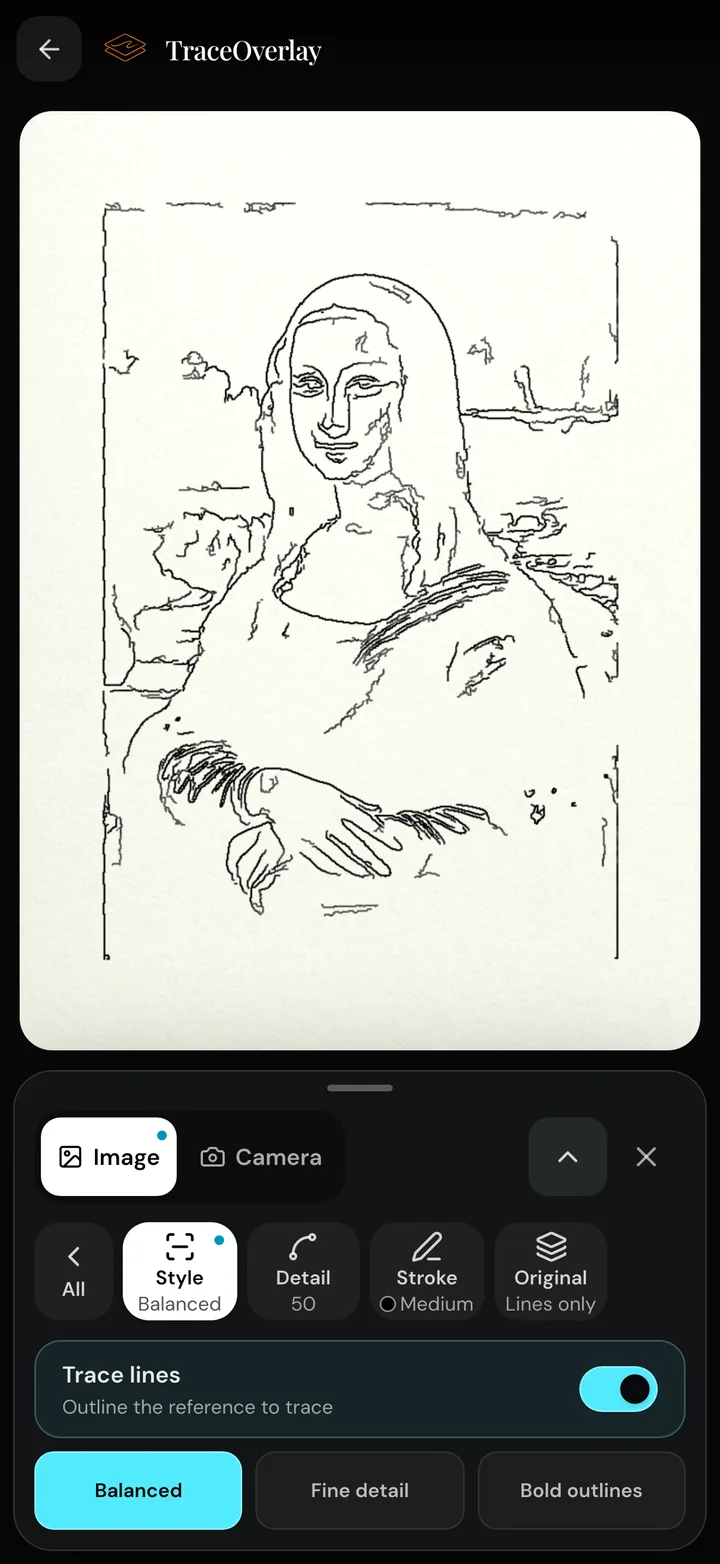
Optionally overlay Trace lines on your reference to see edges more clearly. Choose a style and color, or keep tracing from the photo.
Optional Trace lines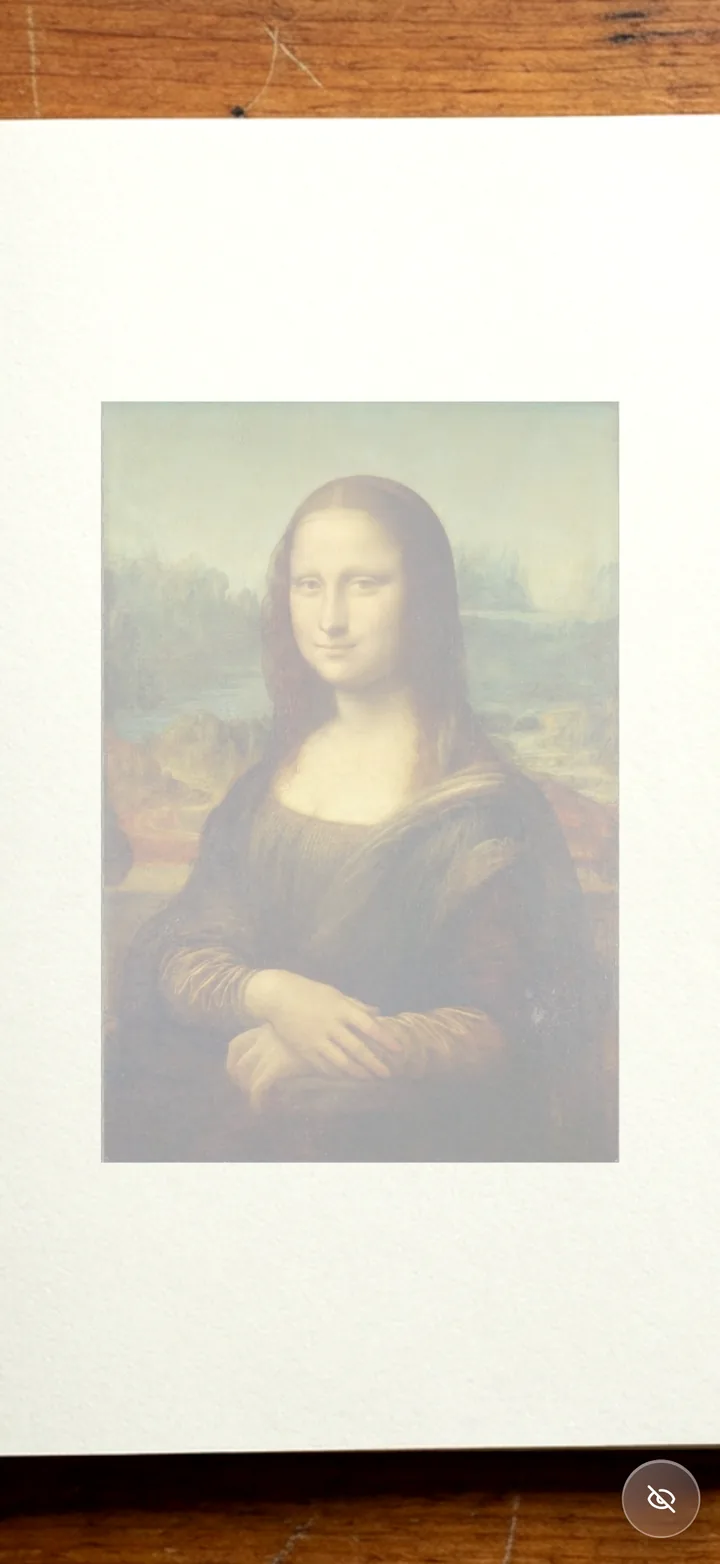
Clear the screen
Hide the controls for a clear view of your paper and drawing guide.
Hide controls
An optional drawing guide
See edges more clearly
For a clearer guide, add optional Trace lines over your reference. Choose a style and color to make edges easier to see.
Trace lines
Add optional edges over your reference
Lines only
Hide the photo behind the lines
The app adds a Detail slider, three stroke weights and a fade for the photo underneath.
The whole toolkit sits in one row
This is the real toolbar. No menus to dig through while your pencil is out.
Private by design
Your references stay on your device
Stays on your device
Camera frames and reference images are processed on your device and are not uploaded to TraceOverlay.
Try everything first
On iPhone and iPad, the included Mona Lisa study works with every tool. No account and no purchase.
One-time Unlock
Want your own photos? The optional Unlock adds personal image import and a private reference shelf. One purchase, no subscription.
From reference to your own creation.
Bring TraceOverlay to your drawing table.
iPhone & iPadAndroid